now available for macOS & Windows

your AI wingman for code, voice, and flow

build faster. think clearer. ship without friction.
one workspace with built-in IDE, voice dictation, and dual AI agents.

Add a login page with email and password fields
I'll create a login component with validation and secure auth. Scaffolding now...
Created src/pages/Login.tsx
Added auth middleware
Updated routes
1import { useState } from 'react'
2
3export function Login() {
4 const [email, set] =
5 useState('')
6
7 return (
8 <form>
9 <Input
10 type="email"
11 value={email}
12 />

One workspace. Zero switching.

Not three tools duct-taped together. One system where chat, code, and voice are native.

Built-in IDE

Monaco editor, file tree, tabs, terminal, git panel, search. Feels built-in, not bolted on.

Voice Coding

Hold Space, speak, release. Developer dictionary for code-friendly output. Near-zero friction.

Secure by Default

API keys in OS keychain. Context isolation. No plaintext secrets. Your credentials stay yours.

Claude + OpenAI + Gemini

Anthropic, OpenAI, and Google Gemini built in. Gemini is free via Google AI Studio — no subscription needed. All tools work identically across providers.

Dual AI Agents

Two models work simultaneously. Claude handles backend, GPT-4o handles UI. Merge with zero conflicts.

Smart Sessions

Topic drift detection auto-forks conversations. Session branching keeps context clean and focused.

Terminal & Git

Built-in terminal with PTY. Git panel for diffs, staging, and commits. No tab-switching required.

Memory System

Persistent AI memory across sessions. Entity graphs, importance scoring, and contextual recall.

Two AIs. One workspace. Zero conflicts.

Two models work in parallel on the same project. Each agent gets its own sandbox. You decide what to merge.

Dual agent architecture showing two AI models working simultaneously
Agent A — Claude
NEW src/auth/middleware.ts
MOD src/routes/api.ts
MOD src/db/schema.ts
Apply Agent A
Agent B — GPT-4o
NEW src/pages/Login.tsx
NEW src/styles/auth.css
MOD src/routes/api.ts
Apply Agent B
Merged Preview
OK src/auth/middleware.ts
OK src/pages/Login.tsx
CONFLICT src/routes/api.ts
Resolve & Merge All
v1.0 — initial project
  ├─ v1.1 — Agent A: added auth middleware
  ├─ v1.2 — Agent B: added login UI
  └─ v1.3 — merged: auth + login UI
      ├─ v2.0 — Agent A: added API routes
      └─ v2.1 — Agent B: added dashboard
Speak your code into existence

Space
hold
speak
release
sent

hold space. speak. release. done.

Voice recording interface with waveform visualization

Connected to everything you use

Built-in channels and tools so your AI can reach beyond the editor. All integrations are completely optional — passwords and API keys are stored in an encrypted vault, only accessed when you explicitly allow it.

Telegram

Send and receive messages through your bot

WhatsApp

Chat with your AI through WhatsApp Web

Email

Send, receive, and manage email via IMAP

Google Calendar

View events and schedule meetings

Google Drive

Read and write to Google Docs and Drive

MCP Protocol

Model Context Protocol for tool integration

Browser Automation

Playwright-powered web scraping and testing

Skills & Extensions

Install plugins to extend Wingman's capabilities

Chrome Extension

Browse the web with AI context. Load as unpacked extension in Chrome

Ready in three steps

1

Install Wingman

Download for macOS or Windows. One installer, no terminal required.

2

Connect your AI

Sign in with Claude or OpenAI via OAuth, or paste a free Gemini API key from Google AI Studio. Your choice.

3

Start building

Open a project, chat with AI, edit code, or hold Space to dictate. One workspace.

Everything you need, nothing you don't

Every detail considered. Every shortcut mapped. Every workflow covered.

Command Palette Cmd+P

Fuzzy search for any action, file, or command

Flow Mode

Autonomous coding with human-in-the-loop checkpoints

Build Versioning

Immutable version tree. Fork, branch, and roll back any change

Encrypted Vault

Password-protected secret storage for API keys and tokens

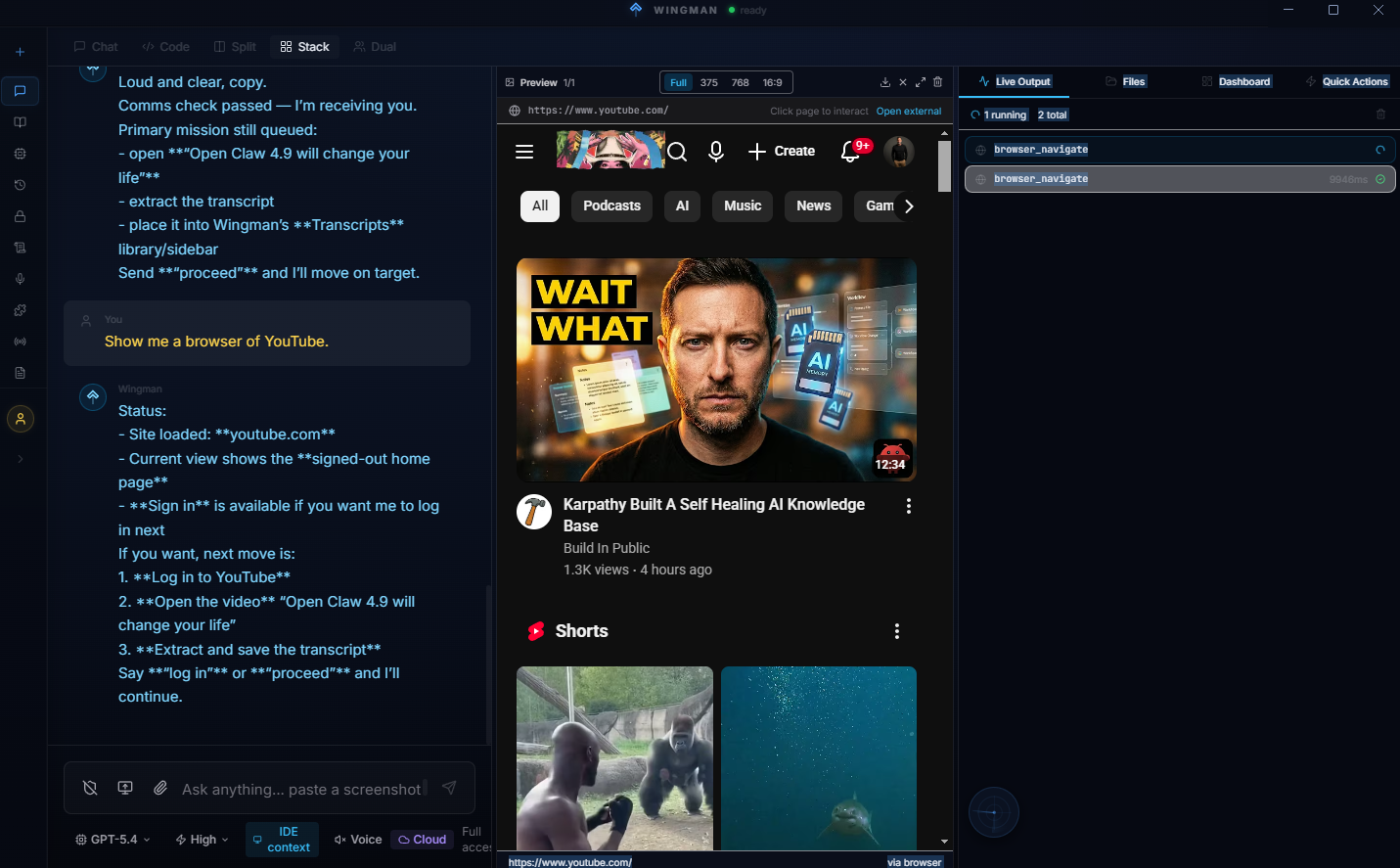
Preview Panel

View images, PDFs, HTML, diffs, and markdown inline

Text-to-Speech

AI reads responses aloud using native speech synthesis

Auto-Updates

Background updates with one-click restart. Always current

Multi-Monitor

Window management with position memory across displays

Conversation Logs

Full message history with search, export, and replay

OpenRouter Support

Access 100+ models through a single gateway

Zoom Control Ctrl+Scroll

Scale the entire UI to your preferred size

Content Extraction

Scrape and parse web content with Readability

Simple, honest pricing

14-day free trial. No credit card required.

Pro
$19/mo
or $190/year (save 17%)
  • Full IDE + chat + voice
  • Claude + OpenAI + Gemini support
  • Dual agent architecture
  • 2 device activations
  • Auto-updates
  • Local Whisper transcription
Pay with crypto — save 10%
Get Pro
Team
$15/seat/mo
5 seat minimum
  • Everything in Pro
  • 10 device activations
  • Team license management
  • Shared sessions & memory
  • Volume discounts
  • Priority support
Contact Sales

Common questions

Wingman supports Anthropic (Claude), OpenAI (GPT-4o, GPT-4), Google Gemini, and OpenRouter for 100+ models. You don't need all of them — any single provider works. Gemini is completely free via Google AI Studio and includes three models (2.0 Flash, 2.5 Flash, 2.5 Pro) with 1M token context windows. All tools — browser automation, file ops, terminal, vault, memory — work identically regardless of which provider you choose.

No. OpenAI and Claude authenticate via their existing subscriptions using OAuth — just sign in the same way you would with any other IDE like Cursor or VS Code. API key activation is also available if you prefer it, but it's not required by default. You can also use Google Gemini completely free — just grab an API key from aistudio.google.com and you get three models with 1M token context windows.

No. Wingman is a local-first desktop app. Your code, conversations, and credentials never leave your machine. The only network calls are to your chosen AI provider and our license server for activation.

Wingman is available for macOS (Apple Silicon and Intel) and Windows (x64 and ARM). One installer per platform, no terminal required. Linux support is planned for a future release.

The IDE, terminal, file explorer, and git panel all work offline. AI chat and voice transcription require an internet connection to reach your AI provider. Local Whisper transcription works offline for speech-to-text.

Pro is a monthly subscription at $19/mo (or $190/year). Lifetime is a one-time payment of $299 that includes all future updates forever, plus an extra device activation and priority support. Both plans include the full feature set.